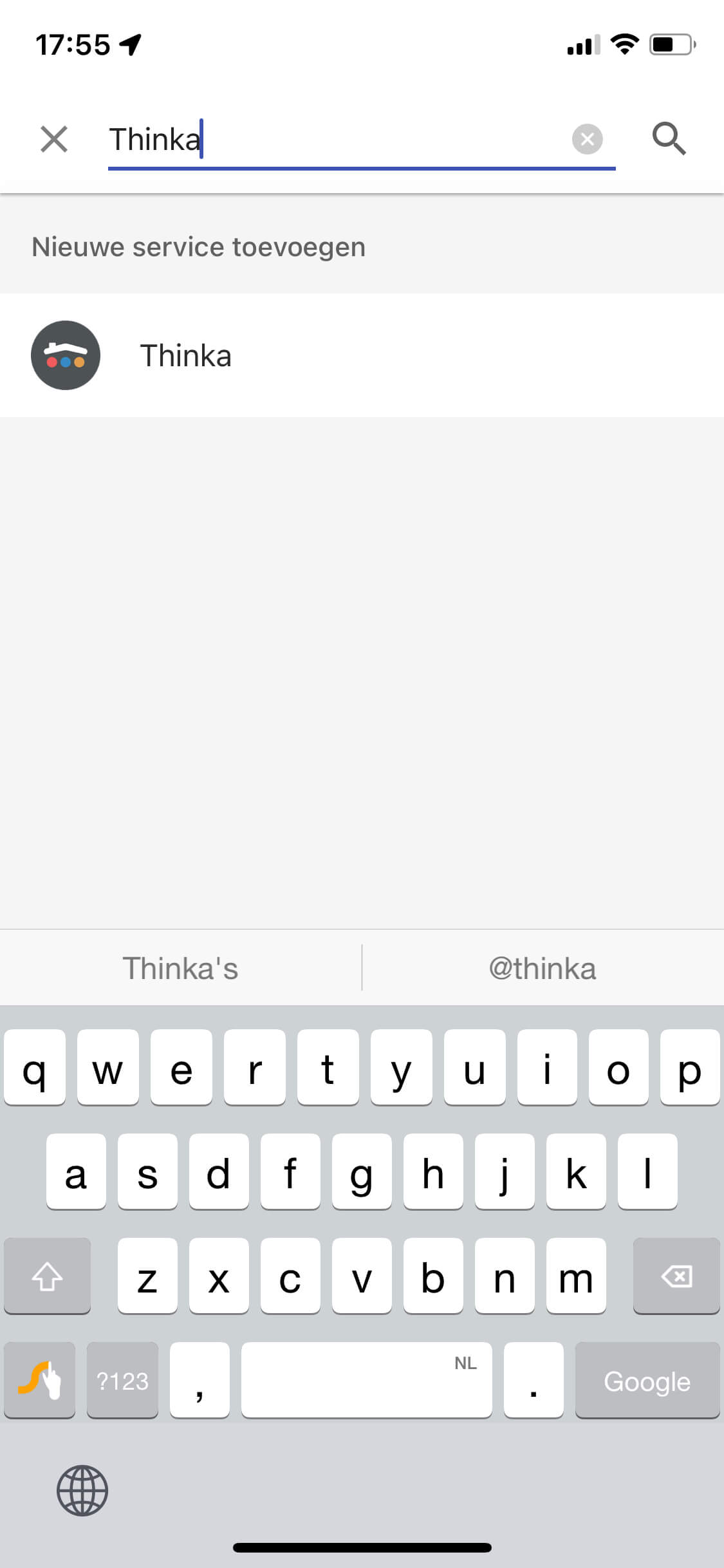
How do I connect my Thinka to my Google Home?
Enable Google Home from the settings page on your Thinka. Doing so you allow the Thinka to setup a connection to Google via the secured Thinka cloud.
Next check to see that your Thinka is connected to the Thinka Cloud:
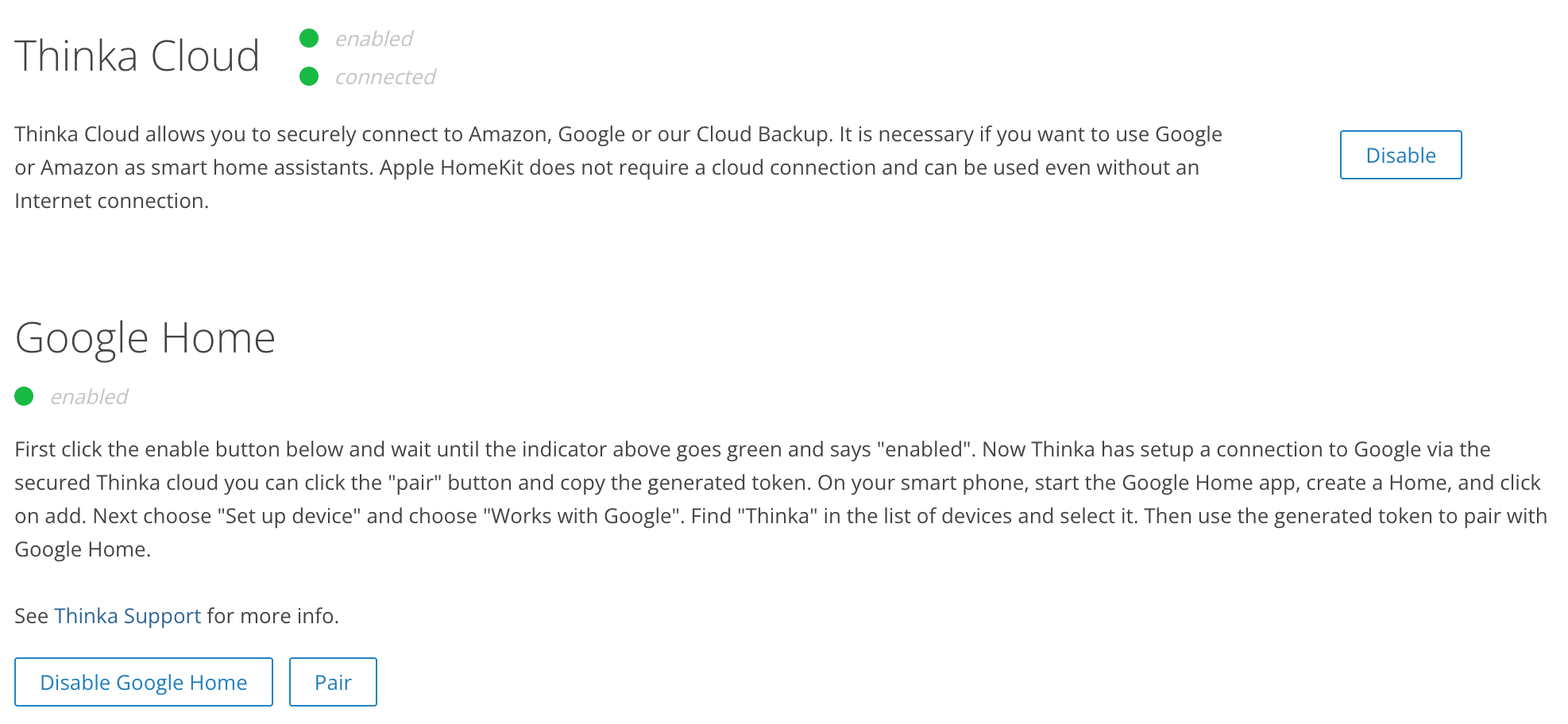
Now click the “PAIR” button and copy the generated token.
On your smart phone, start the Google Home App, Create an account and Home. For details on setting up Google devices see google support.


Find "Thinka" in the list of devices and select it. Next you will use the generated token to pair with Google Home: