How do I set up VPN connection to my Thinka device?
KNXThis feature is only available on Thinka for KNX Pro
Go Settings -> Remote and click Start VPN Server button
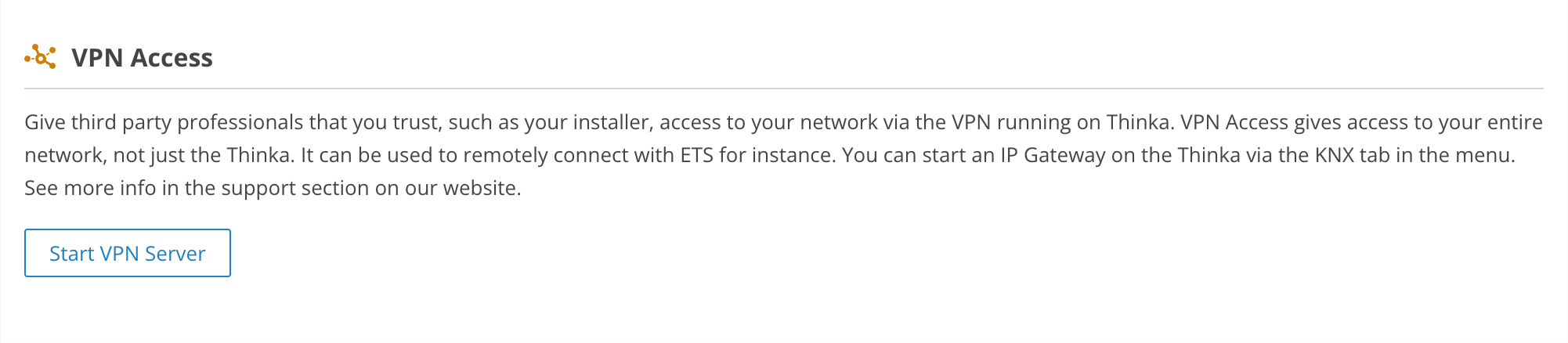
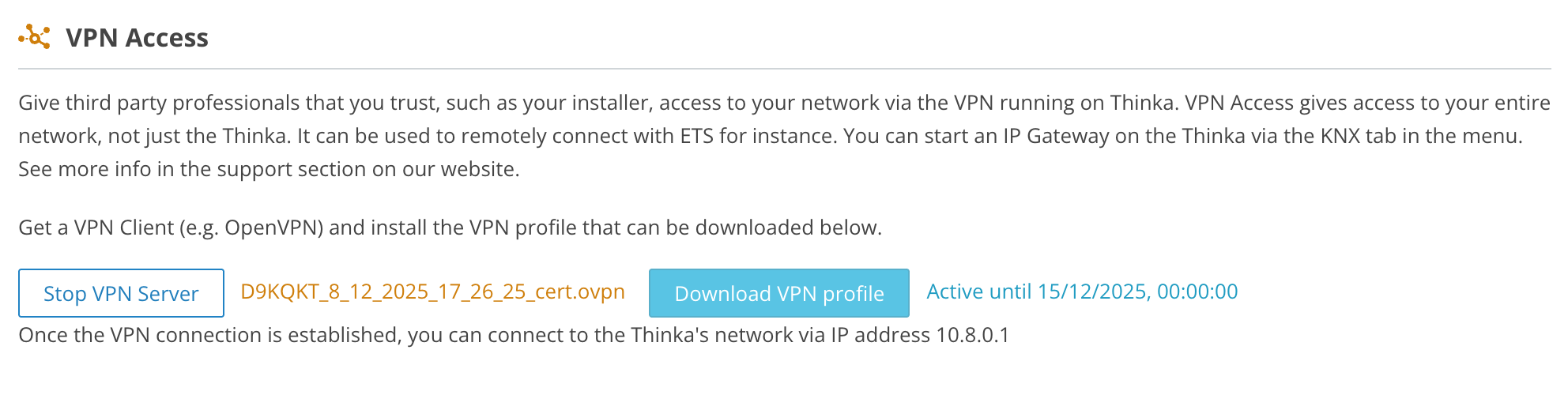
Thinka has started the built-in VPN server and created client certificate. Download this certificate by clicking the Download VPN File button. This will download the certificate that you will use to connect later.
Install a VPN client if you haven't already done so.
Right click on the icon and choose Import file option
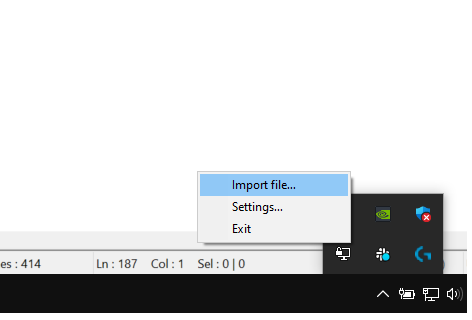
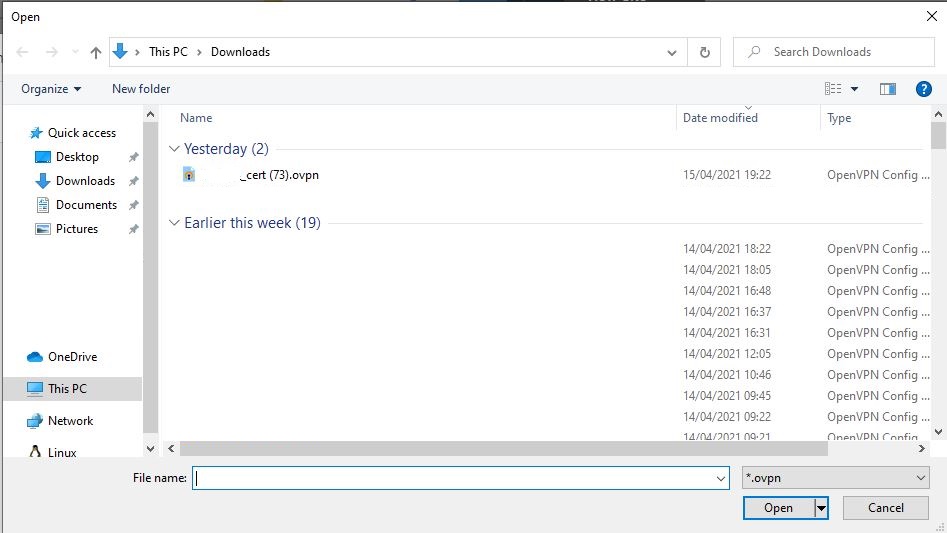
Select the client certificate that you have downloaded before
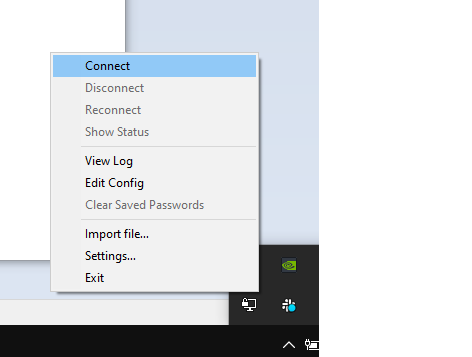
Open OpenVPN application again and select Connect option
Once the application connected to VPN server, application icon`s color turns in to the green
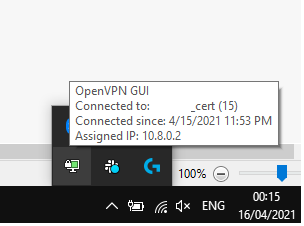
Now your computer connected to the VPN server and you are able to access Thinka device with IP addresses 10.8.0.1
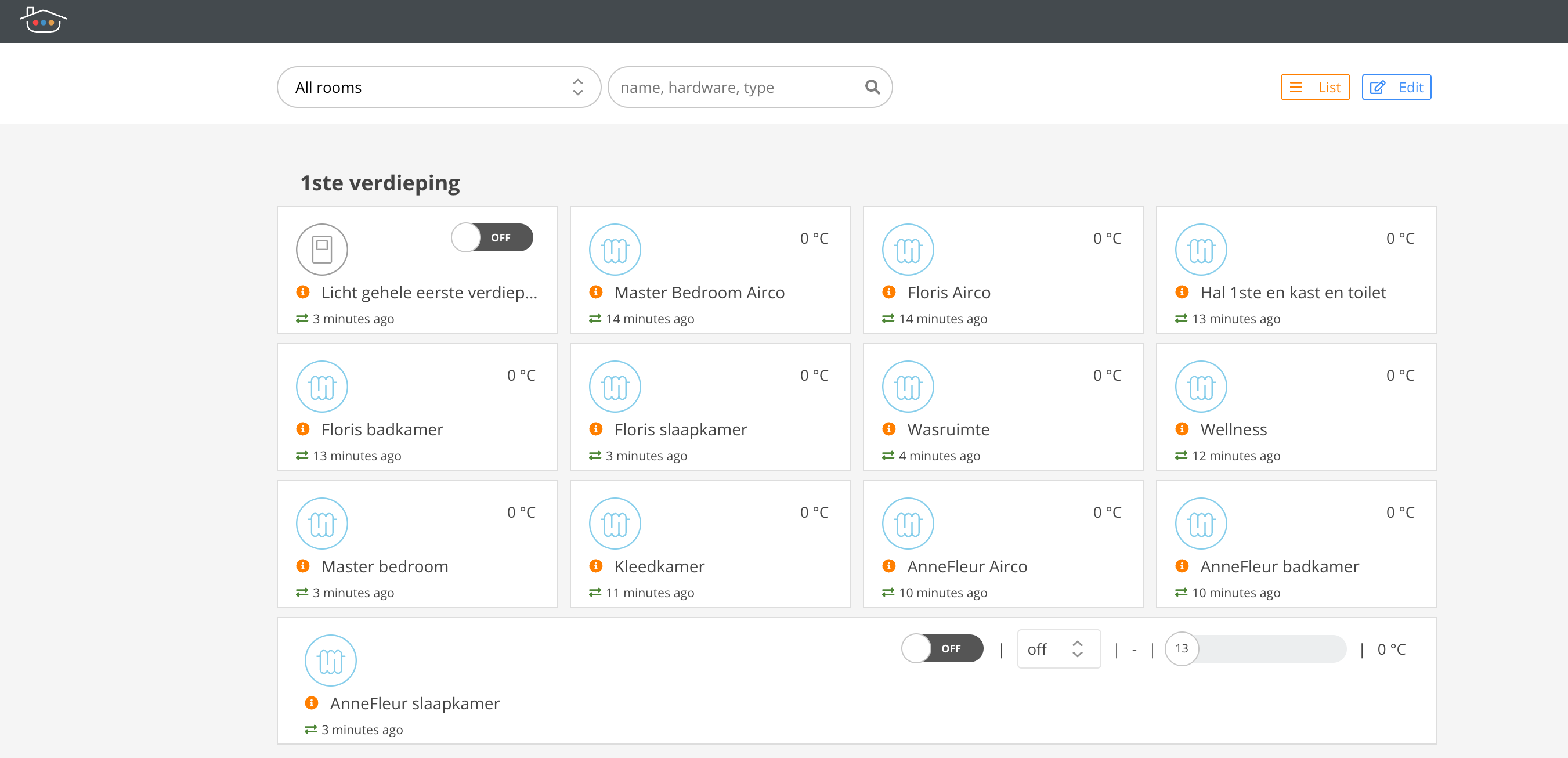
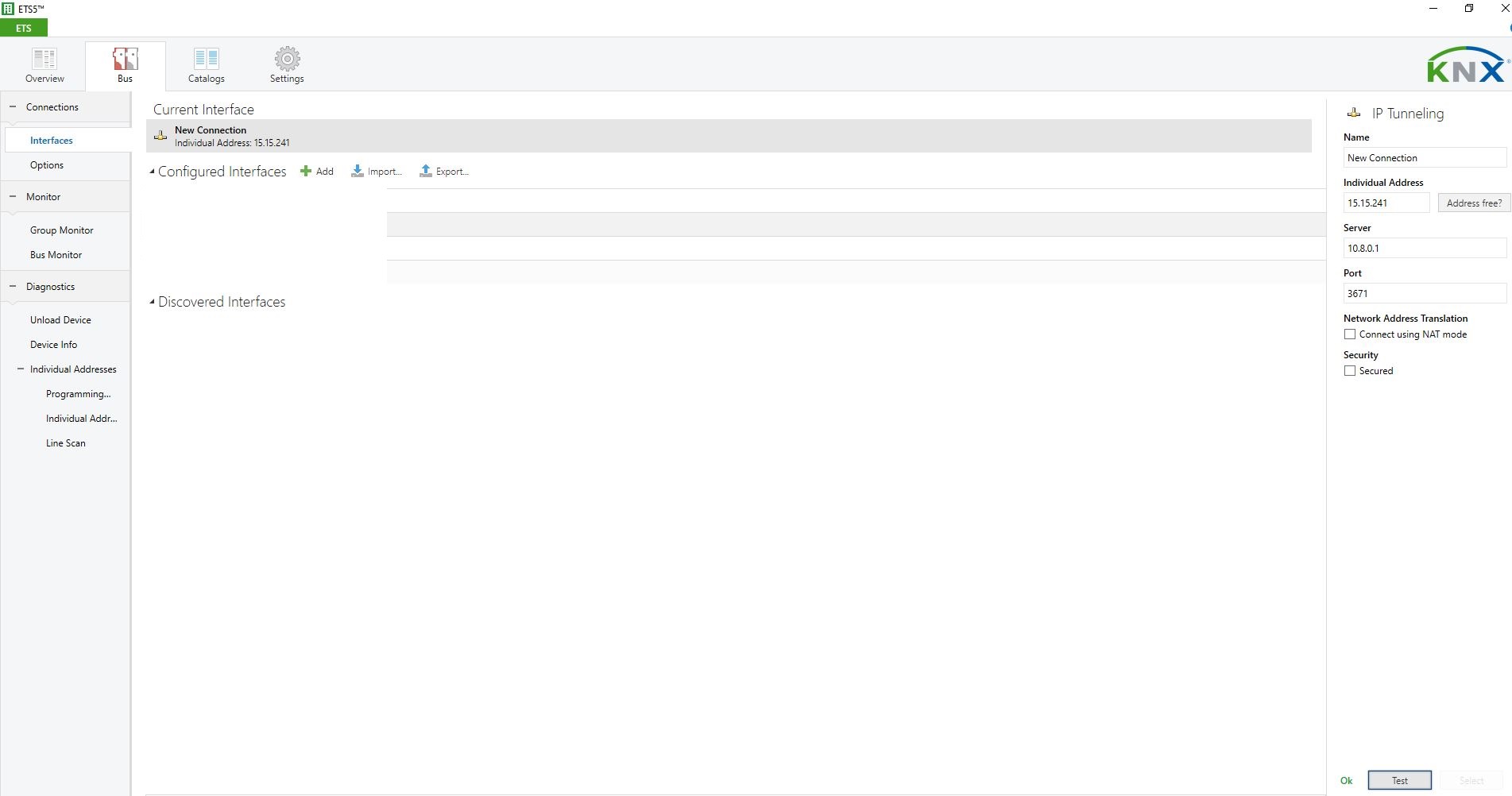
Since Thinka device has built-in KNX IP interface (IP Interface should be enabled to use), you can use 10.8.0.1 in ETS to access knx network