How to enable Local Network access
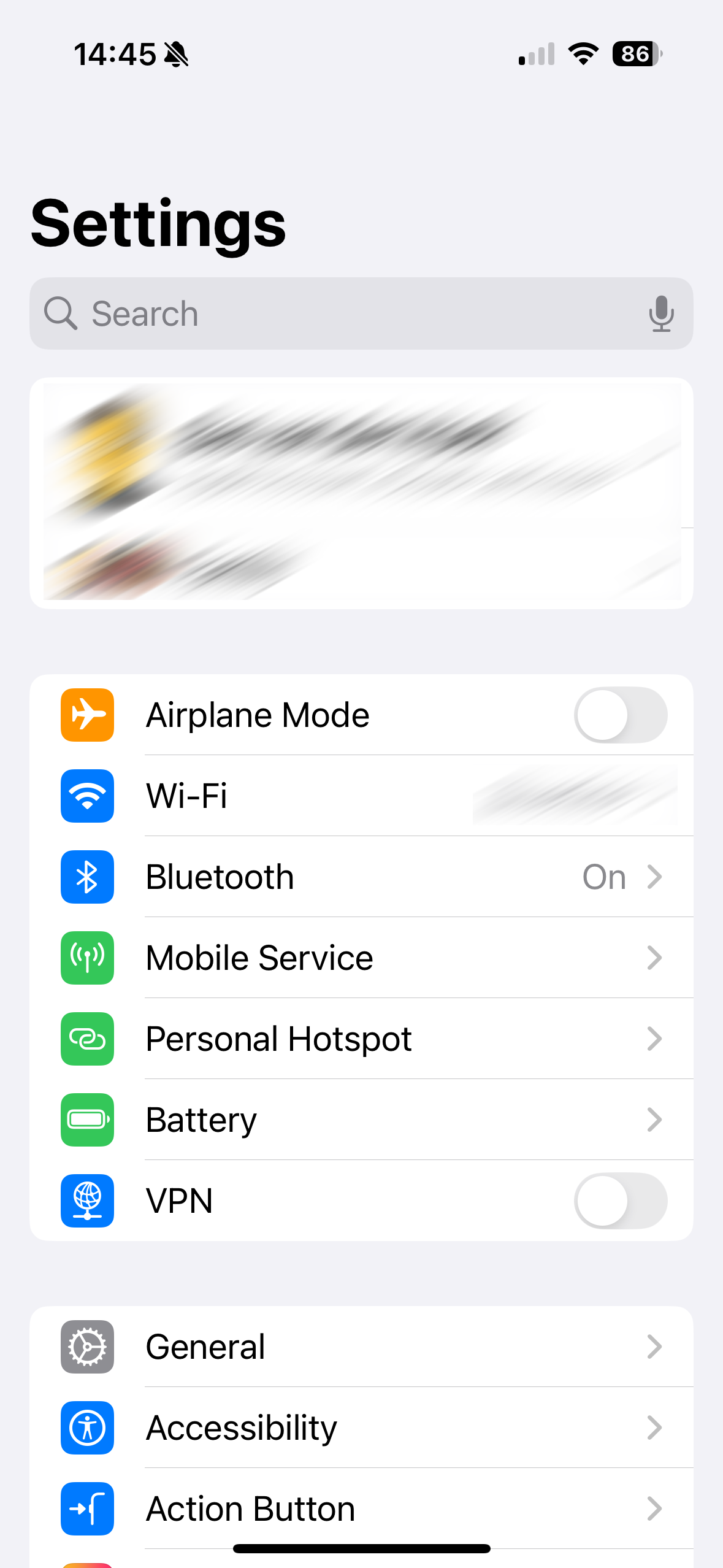
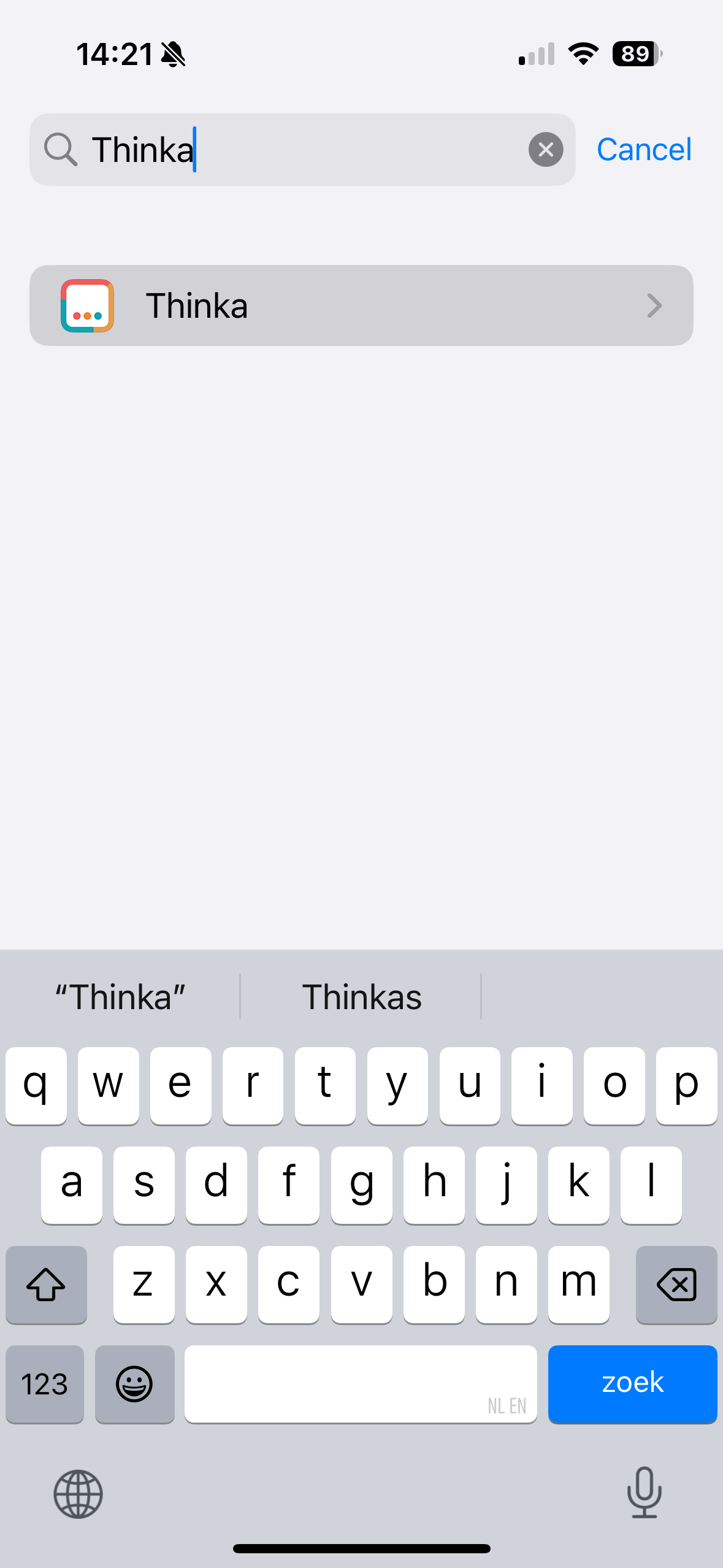
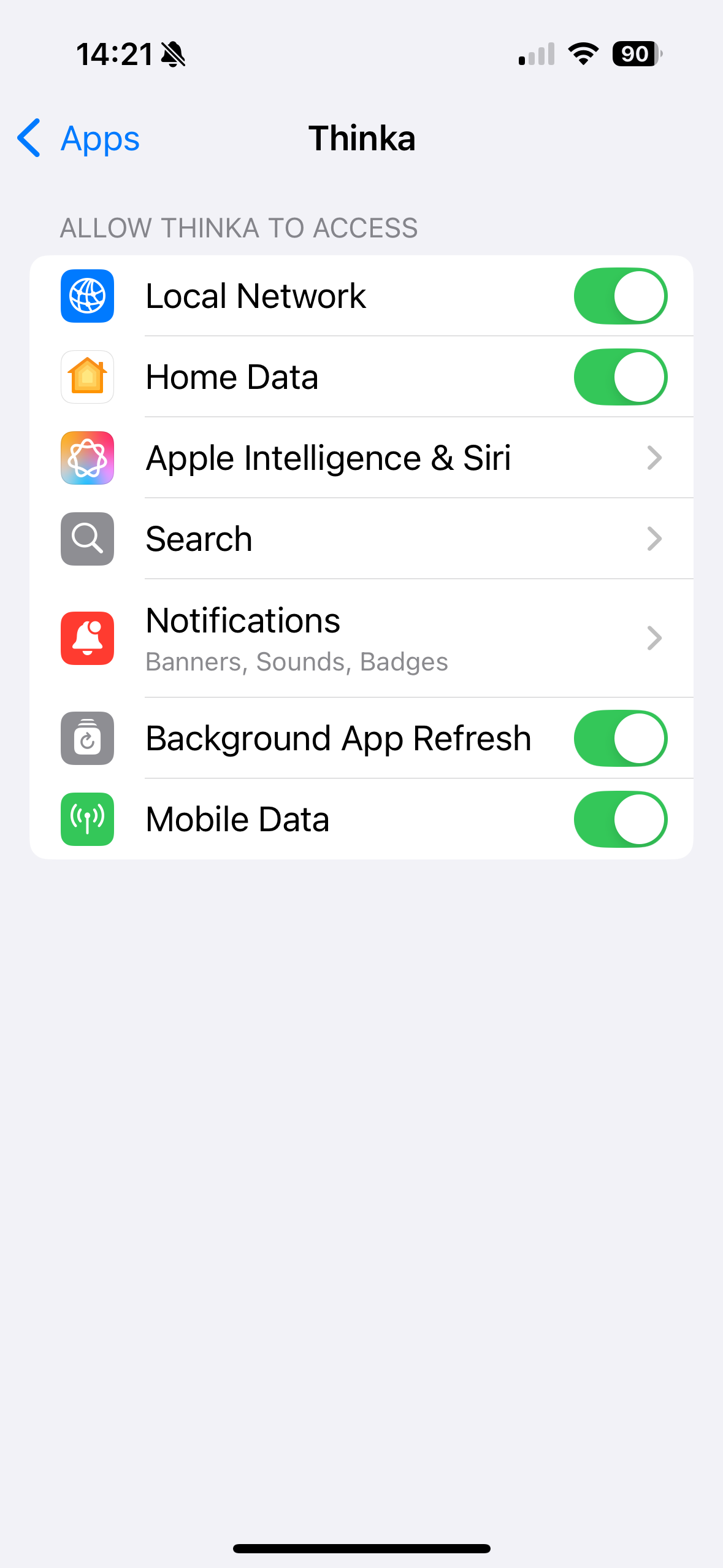
To pair your Thinka with HomeKit you first need to install the Thinka Companion app on your iOS device. When you first open the app, iOS 14 and higher will ask for permission: "Thinka" would like to find and connect to devices on your local network. HomeKit setup only works through the local network. You can verify that the Thinka Companion app has Local Network access in the iOS Settings app: