How to exclude a Z-Wave device
Z-WaveHow to Exclude a Z-Wave Device from Your Thinka System
Need to remove a Z-Wave device from your Thinka smart home setup? Follow these simple steps to easily exclude any Z-Wave device using the Thinka web UI:
- Step 1: Open the Thinka web UI on your browser.
- Step 2: Click the Device - icon at the top of the page to start the removal process.
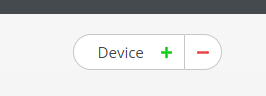
Click the "-" icon to begin removing the device.
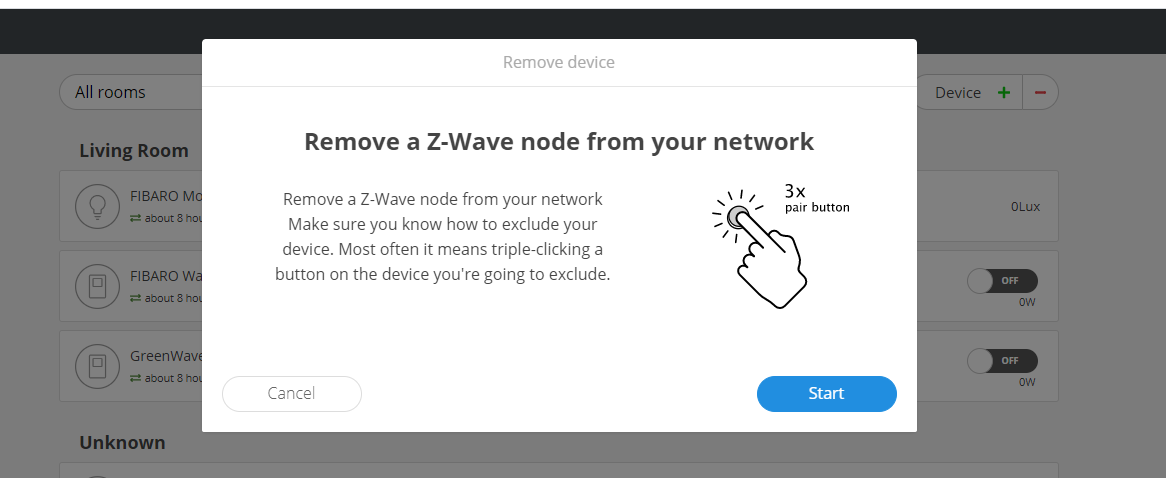
Then, click the "Start" button to initiate exclusion mode.
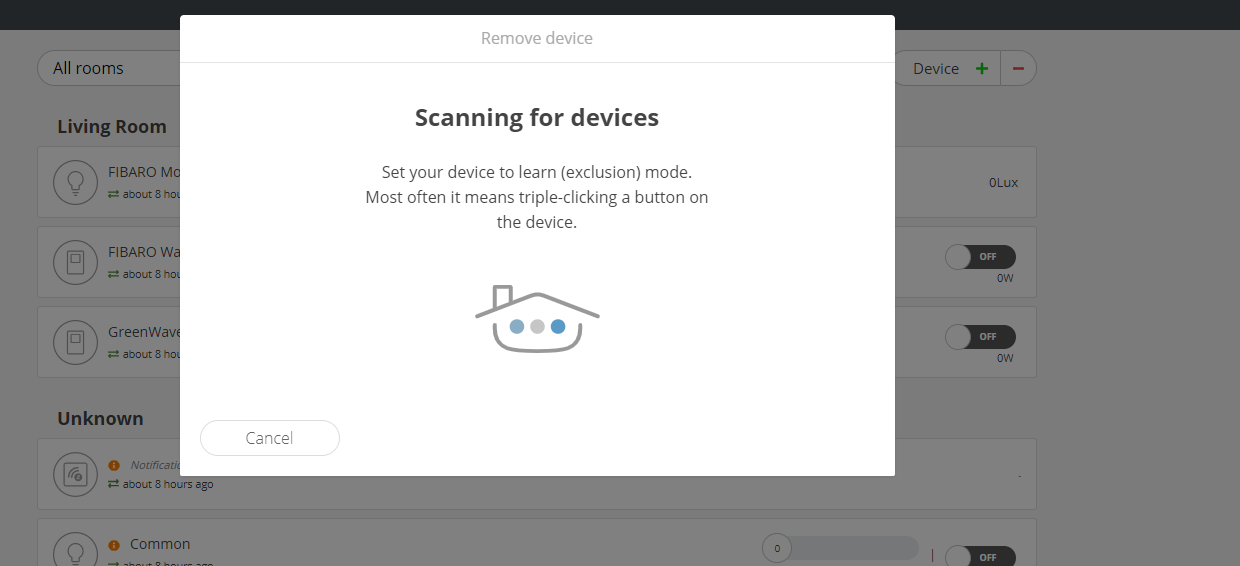
- Step 3: Put your device into exclusion (learn) mode. For most devices, simply triple-click the "B" button. Refer to your device’s manual for specific instructions.
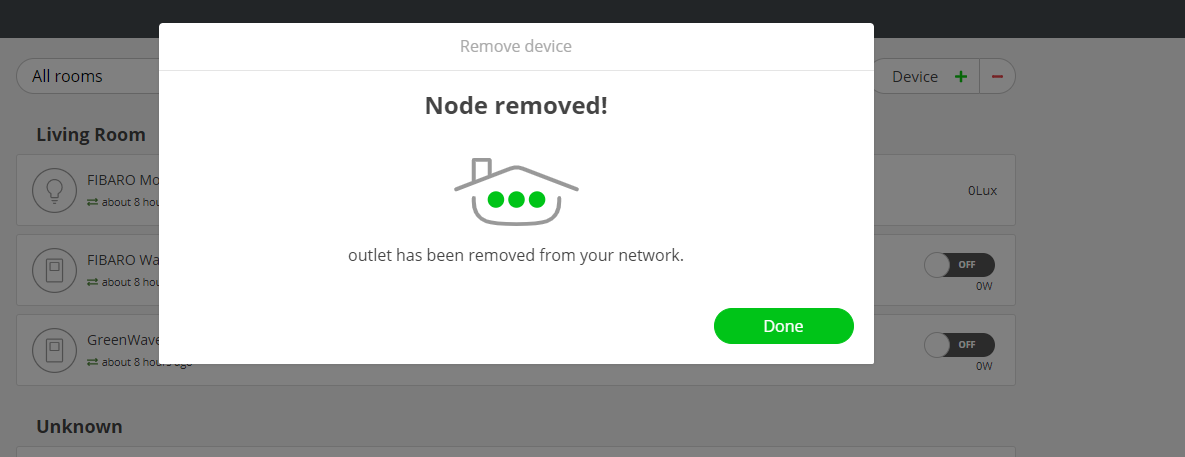
Once completed, your Z-Wave device will be successfully removed from Thinka. If you need more details, check your device manual or our support resources!