How to include a regular Z-Wave device
Z-WaveHow to Include a Regular Z-Wave Device with Thinka
Adding a Z-Wave device to your Thinka smart home hub is quick and easy! Follow these simple steps to connect your device:
- Open the Thinka web interface and click the "Add Device" button at the top of the page.
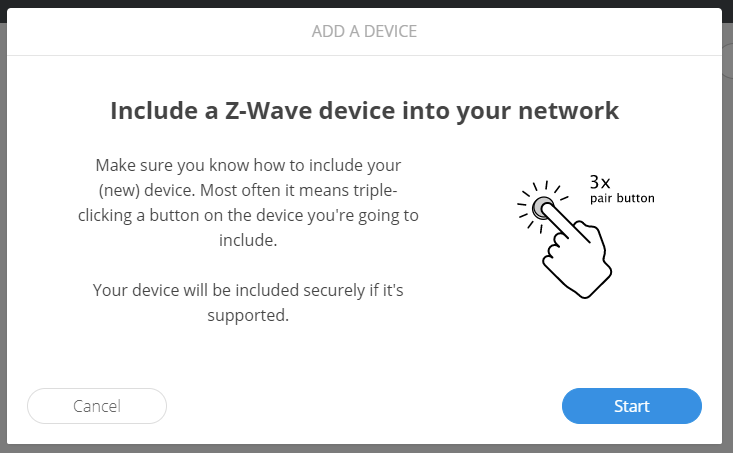
- Click the "Start" button to begin the inclusion process.
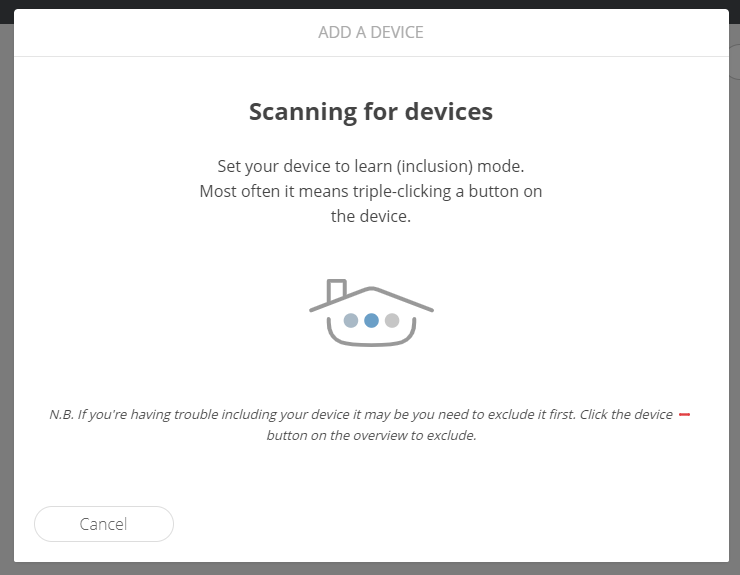
- Put your Z-Wave device into inclusion mode (refer to your device’s manual for instructions), then wait for Thinka to detect it.
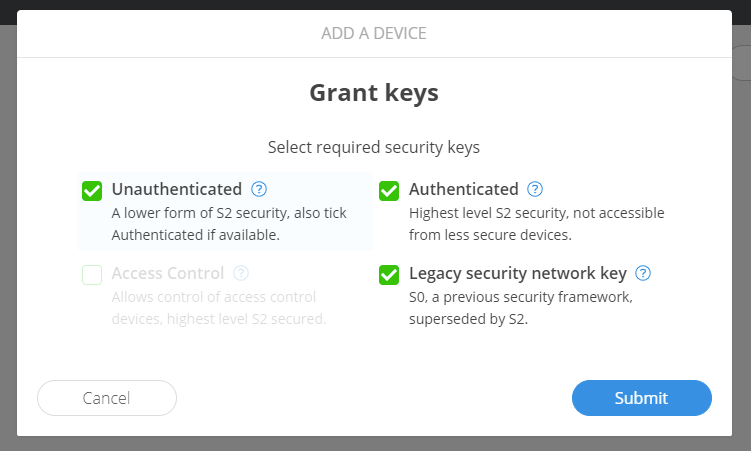
- Once found, press the "Submit" button to continue.
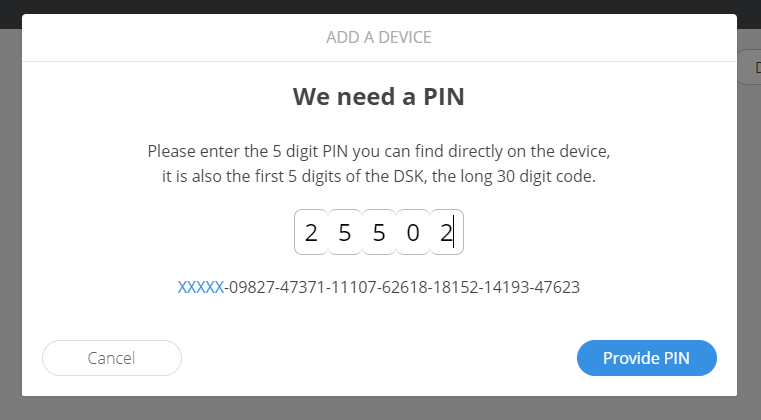
- If you’re adding a secure Z-Wave device, enter the first 5 digits of its DSK PIN when prompted.
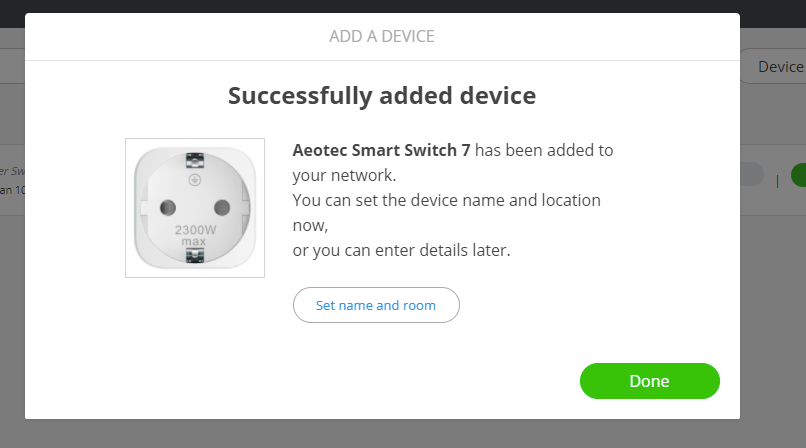
- Finish setup by naming your device and choosing a room, or click "Done" to use default settings.
Your Z-Wave device is now included and ready to use with Thinka!