How to install Thinka Z-wave
Z-WaveHow to Install Thinka Z-Wave: A Simple Step-by-Step Guide
Setting up your Thinka Z-Wave is quick and easy! Follow these simple steps to get your smart home hub up and running:
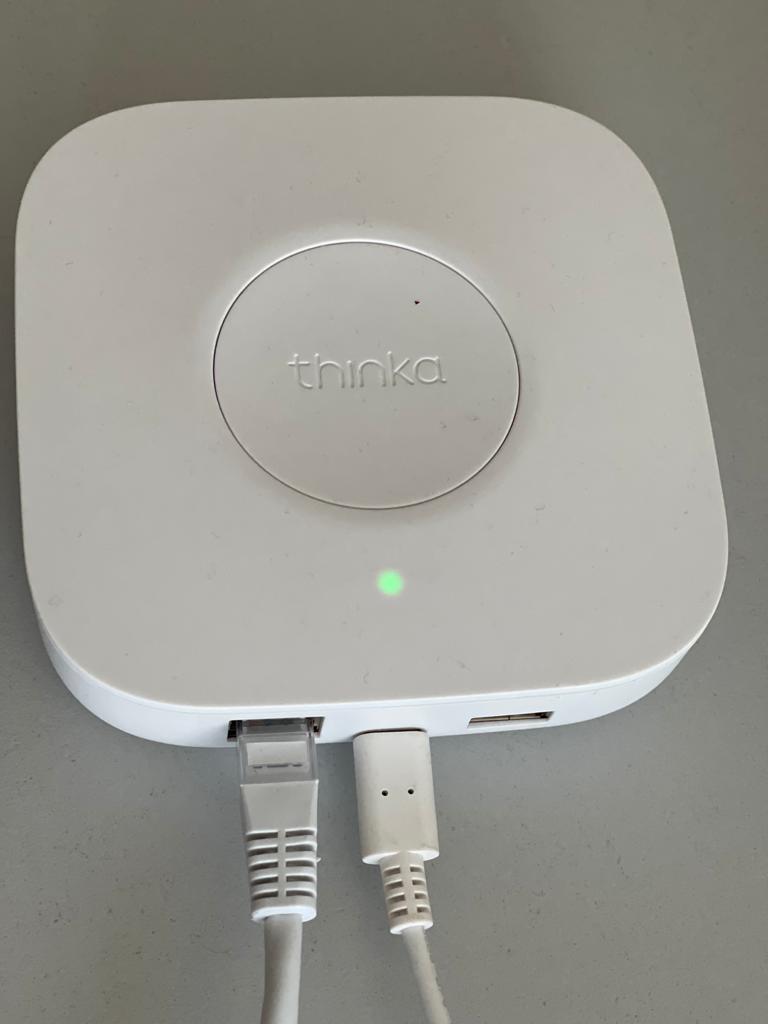
- Connect the Power Adapter: Plug the power adapter into your Thinka Z-Wave device and then into a power outlet. This will power up your hub.
- Attach the Network Cable: Connect the network cable from your Thinka Z-Wave to your home router or network switch. This ensures a stable and secure internet connection for all your smart devices.
That’s it! With just these two connections, your Thinka Z-Wave is ready to bring seamless smart home automation to your fingertips.
If you need further assistance, our support team is always here to help you enjoy a smarter, more connected home!