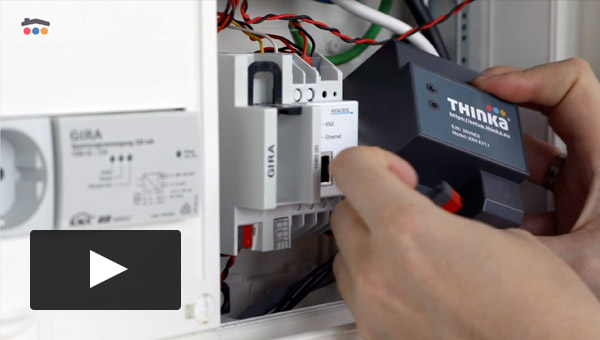
Watch our video tutorials to learn how to set up and use your Thinka.
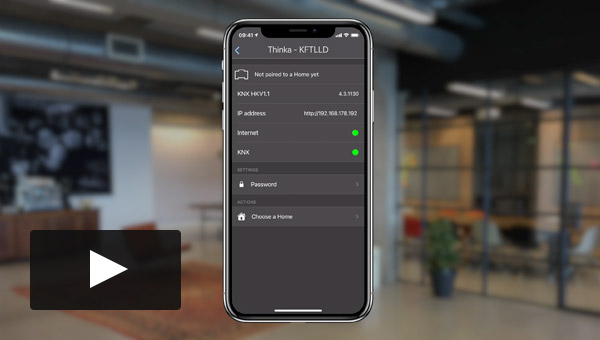
In this tutorial we show how easy it is to start using your Thinka in HomeKit. You can prepare yourself by downloadin...
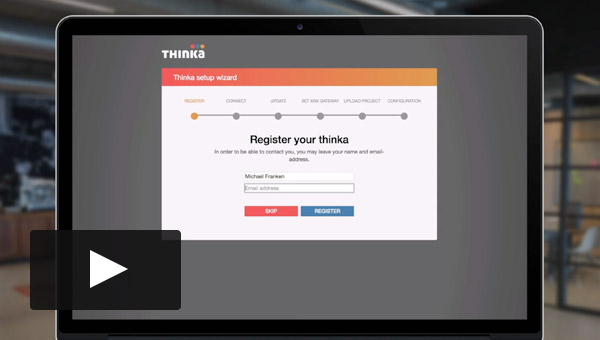
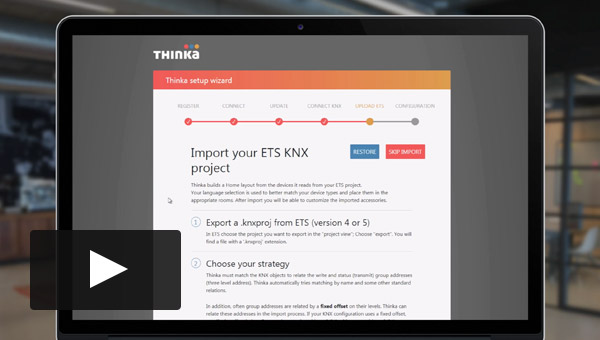
This video shows how to configure the Thinka for the first time. Make sure you have a ETS project at hand. We'll show...
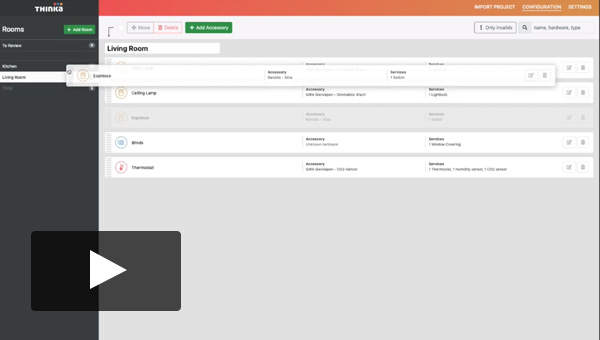
This is a short video on how to add a room to Thinka. Just to let you know it is that simple.
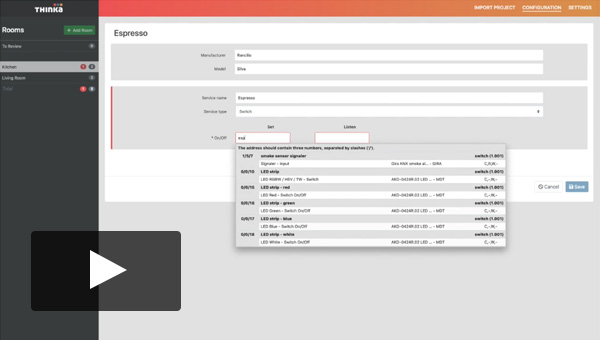
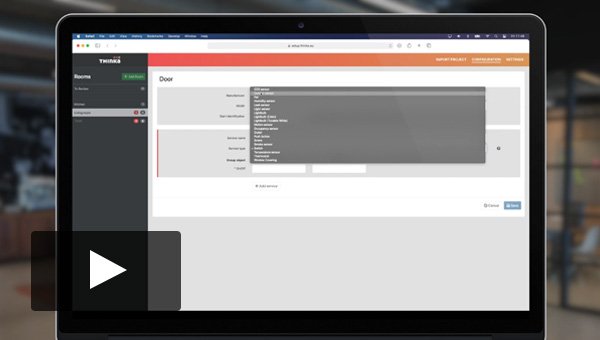
Here we show how to add a very simple device also called 'accessory' to your Thinka. It's our espresso machine, that ...
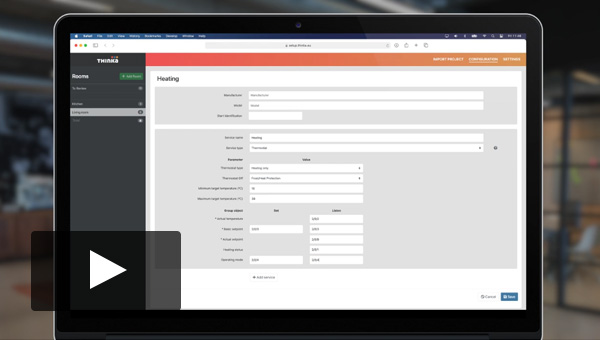
Here we show how to add a HVAC. In general these are called 'thermostat'.
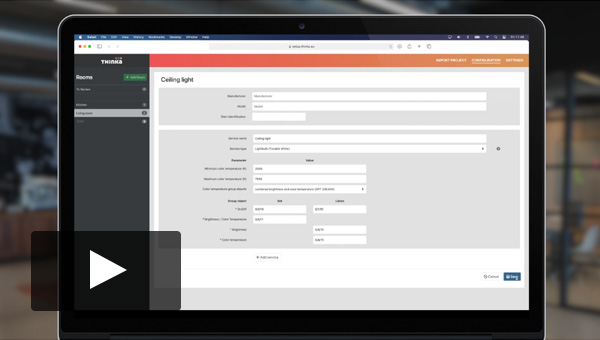
Here we show how to add a light that supports color temperature (cool to warm whites)
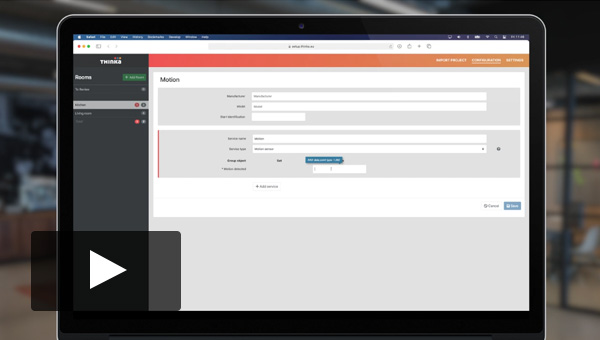
Here we show how to add a Motion Sensor to your Thinka, too simple, really
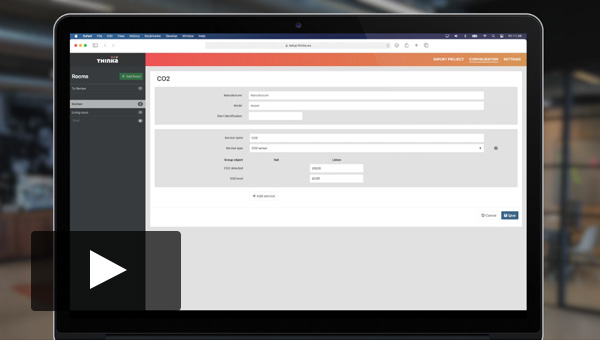
Here we show how add a CO2 or carbon dioxide sensor to your Thinka
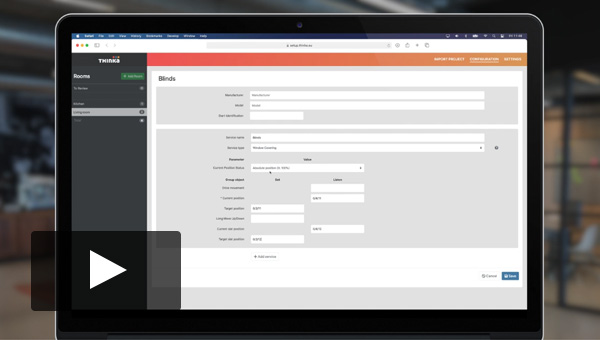
Here we show how to add a curtain, or blind to Thinka. In general these are called 'window covering'.
Here we show how add a contact sensor to your Thinka
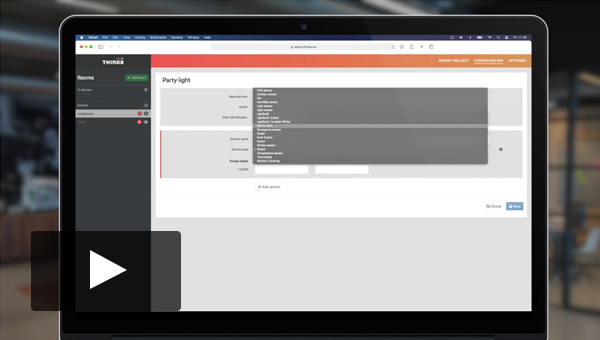
Here we show how to add a color light
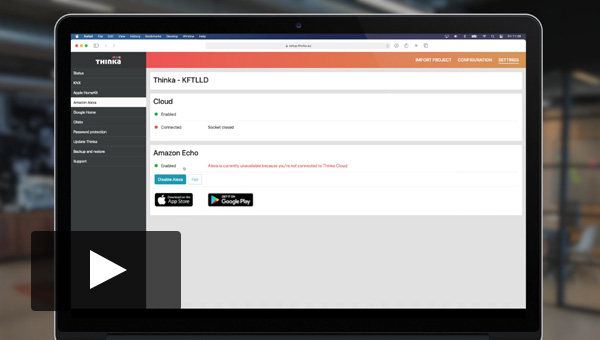
This video shows how to connect or pair your Thinka with Amazon Alexa
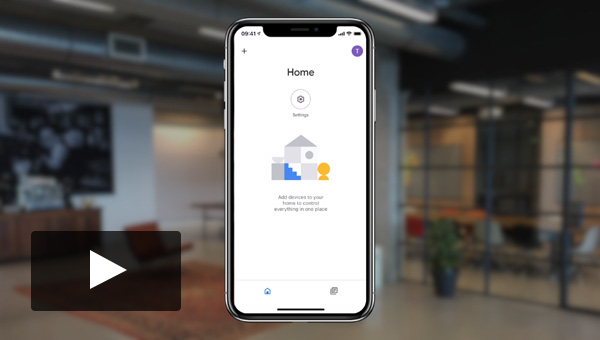
In this video we connect Thinka to Google Home in a few simple steps
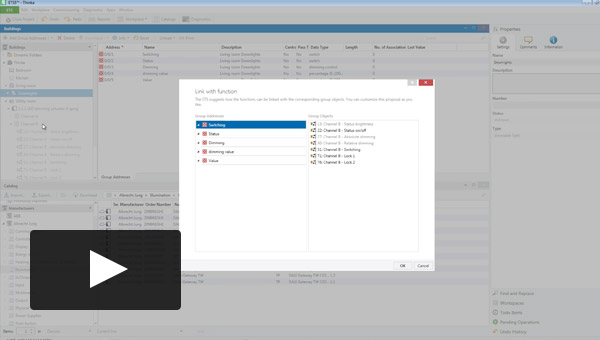
Importing ETS Projects into THINKA becomes a piece of cake, when setting up your ETS projects via the Link With Funct...
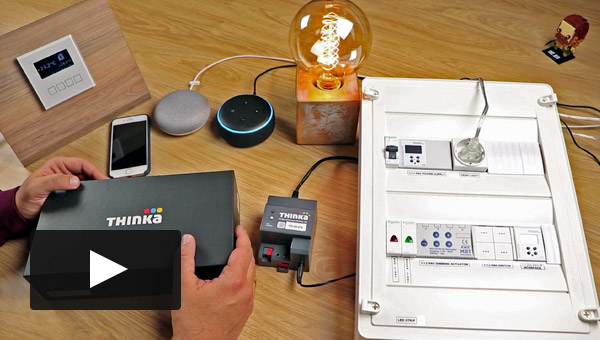
Nice (independent) review of our Thinka for KNX by Poseidwn Tech from Greece
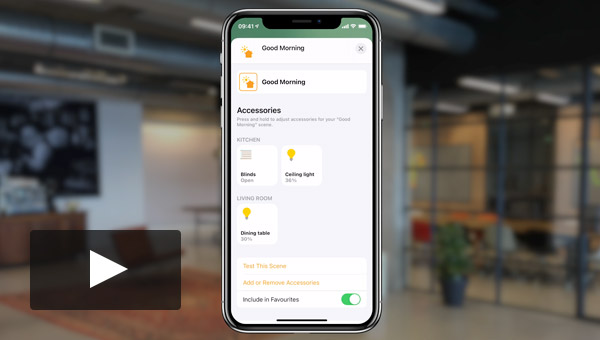
Your installer might have installed some first scenes for you when installing your KNX system and Thinka and pairing ...
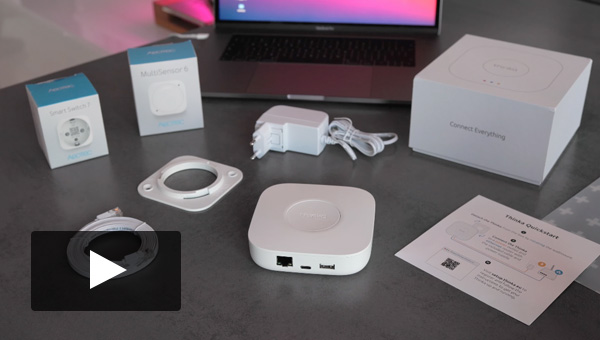
In this and the following videos we will show you from start to end how to install your new Thinka for Z-Wave, add tw...
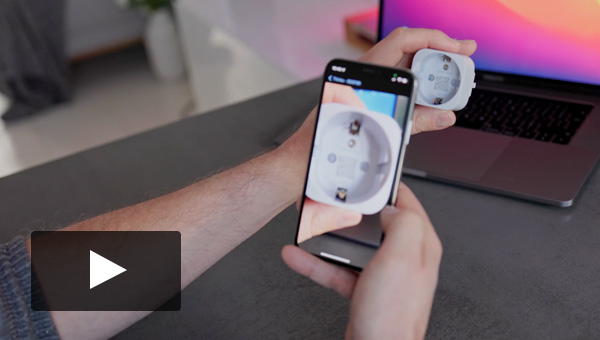
In this third video of the setup we are adding a Aeotec Smart Switch 6 which is a SmartStart Z-Wave device and can be...
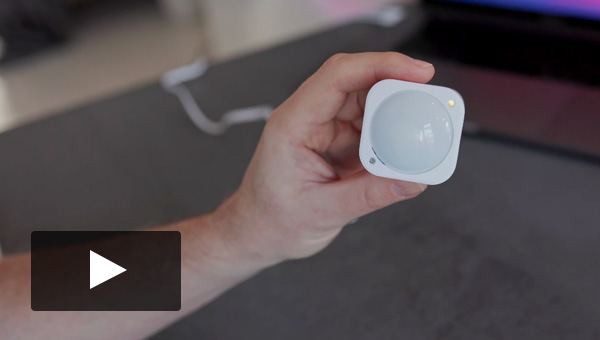
In this second video of the setup we are adding a Aeotec MultiSensor 6 which is a classic Z-Wave device.
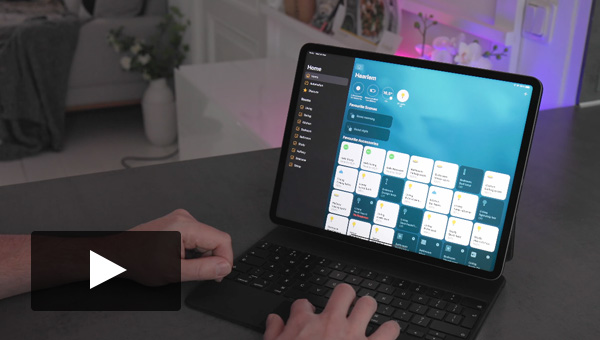
In this fouth and last video of the setup we are connecting the Thinka for Z-Wave with Apple HomeKit and assign it to...